
Carmatik Platform
The buyer storefront, the seller marketplace flow and the dealer help center of carmatik.ro. I built the full frontend of all three.
- JavaScript
- PostCSS
- JSP
- Figma
The brief
carmatik.ro is a production automotive e-commerce platform. This study collects my platform work in three chapters. The insurance funnel is covered in its own study.
- Buyer storefront: filter the live stock, open a vehicle page and price the car with the leasing calculator.
- Seller flow: list a car with one guided form and manage it from the account dashboard.
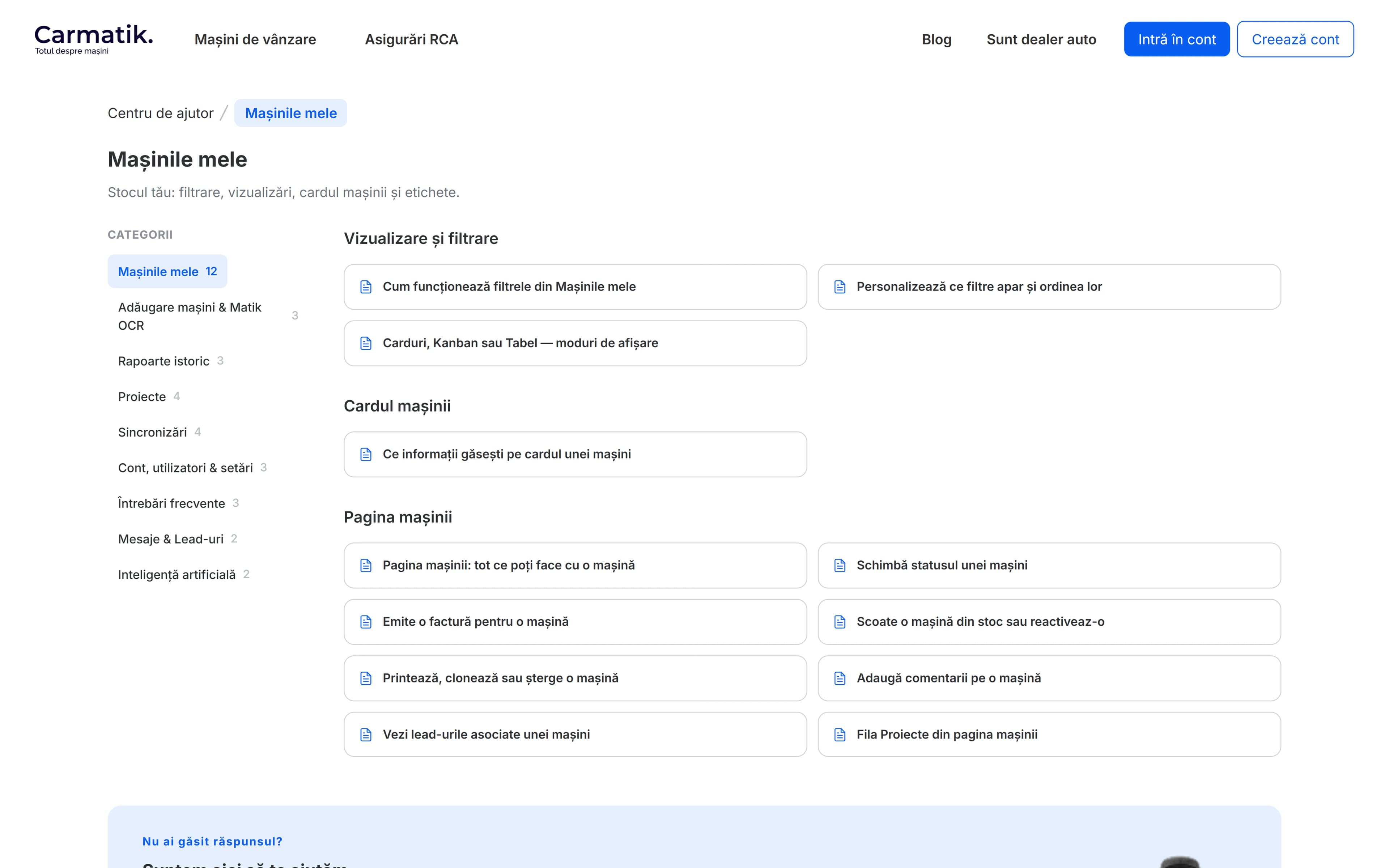
- Dealer help center: searchable documentation for the whole platform.
What made it hard
Two audiences share one platform: buyers who need to find and price the right car fast, and sellers who need to list one without it feeling like paperwork.
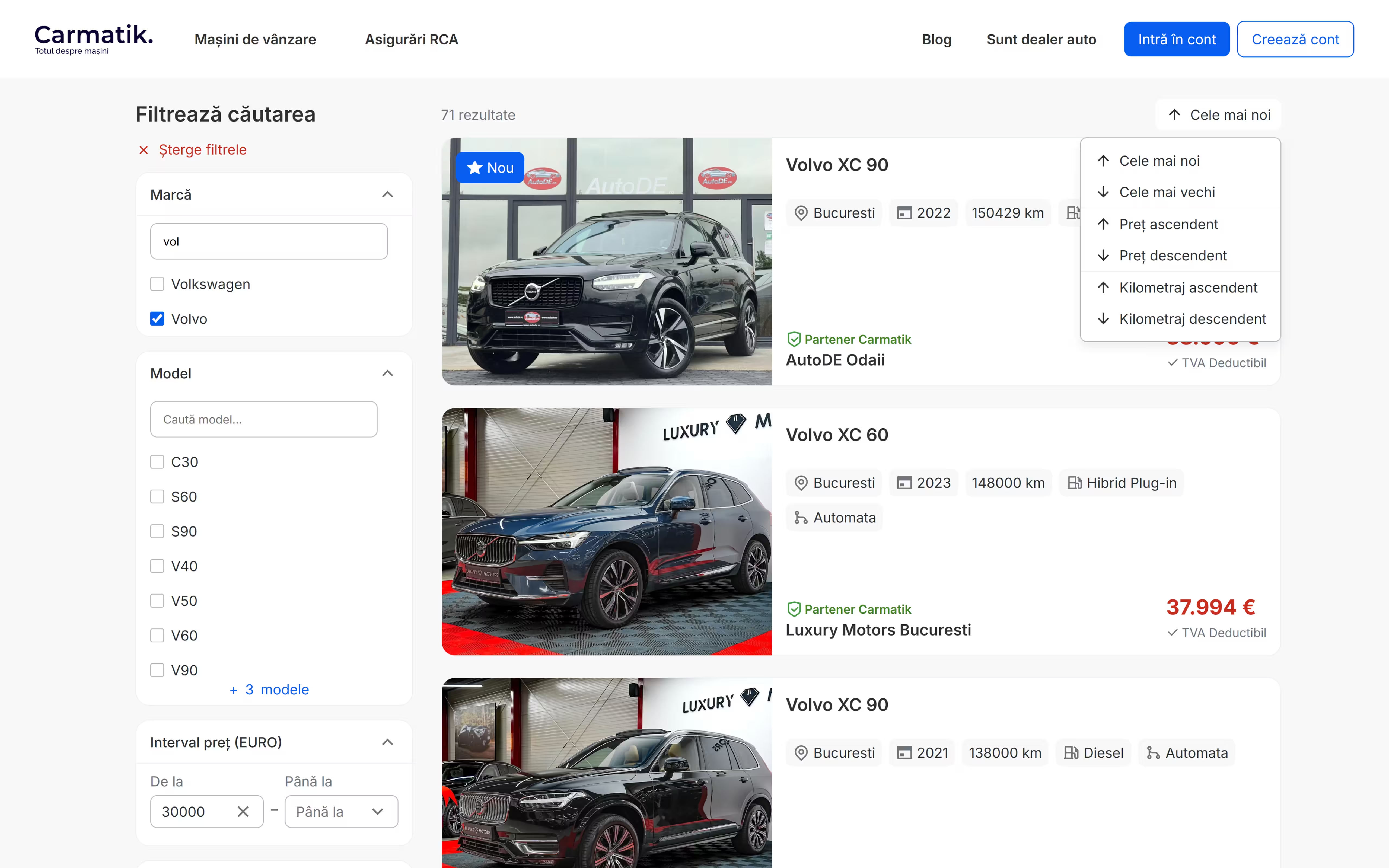
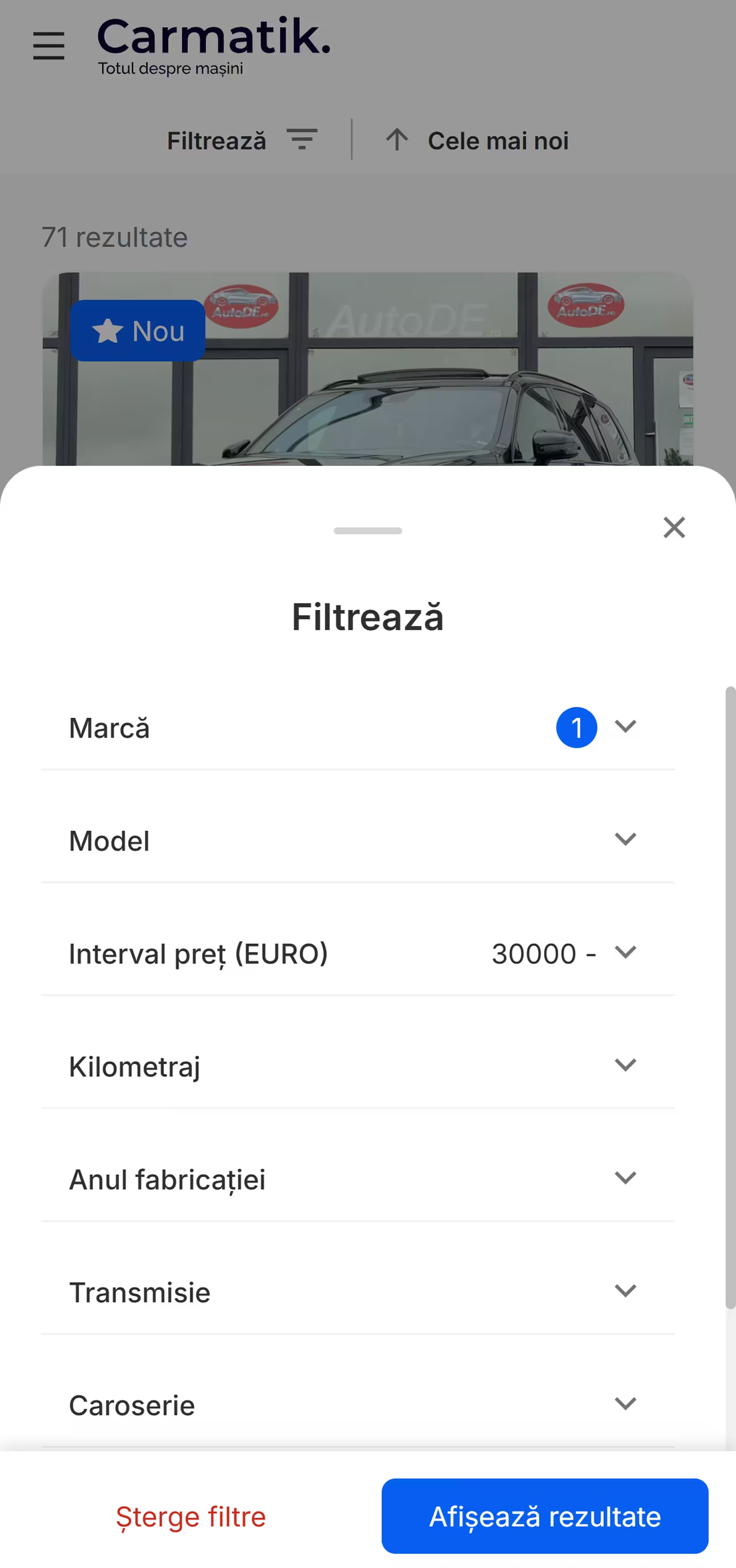
- Findable stock. Buyers narrow the live stock through 14 filters with sorting.
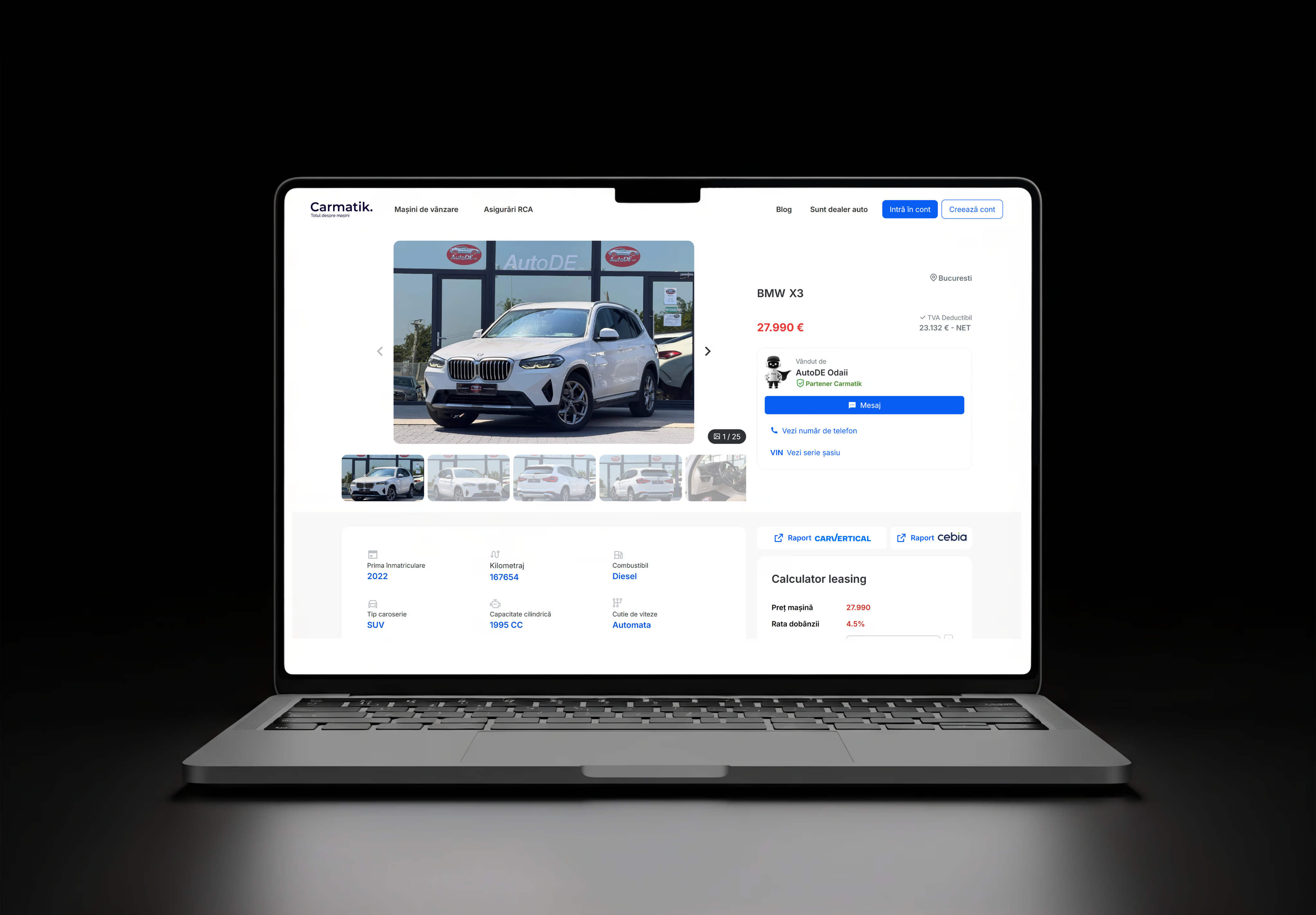
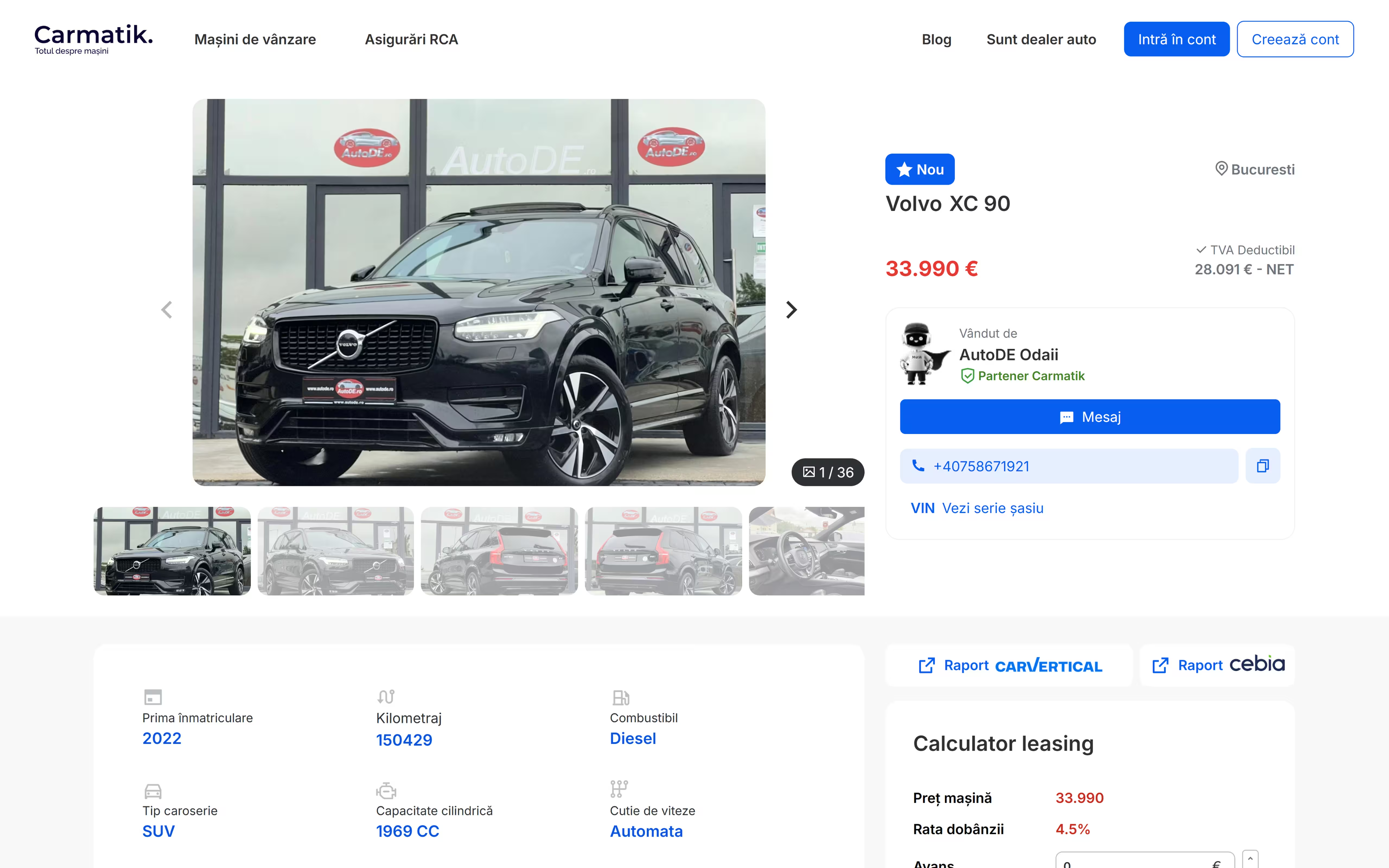
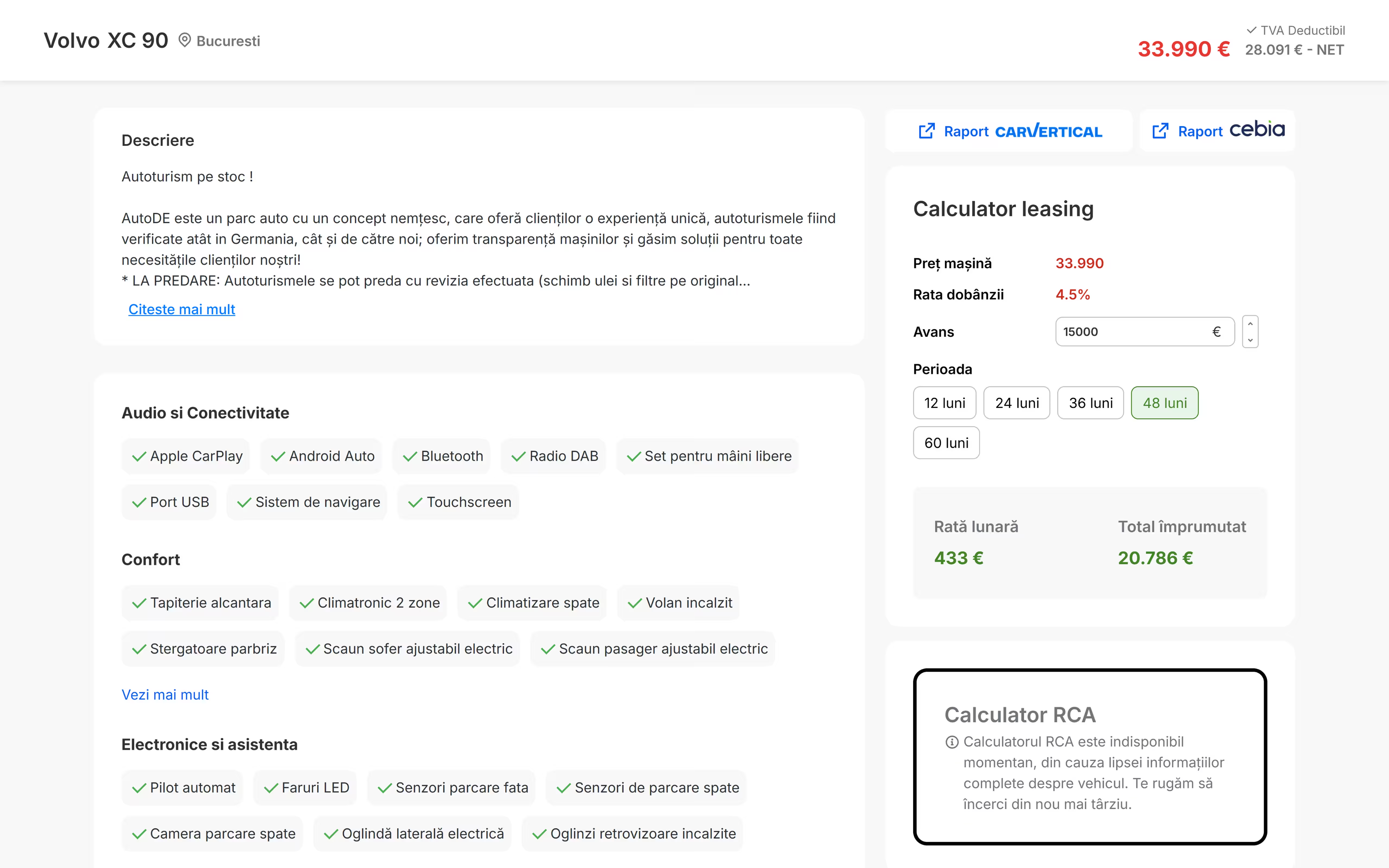
- Pricing on the spot. Every vehicle page carries a leasing calculator: a down payment and a term from 12 to 60 months give the monthly cost right next to the price, so a buyer never leaves the page to work it out.
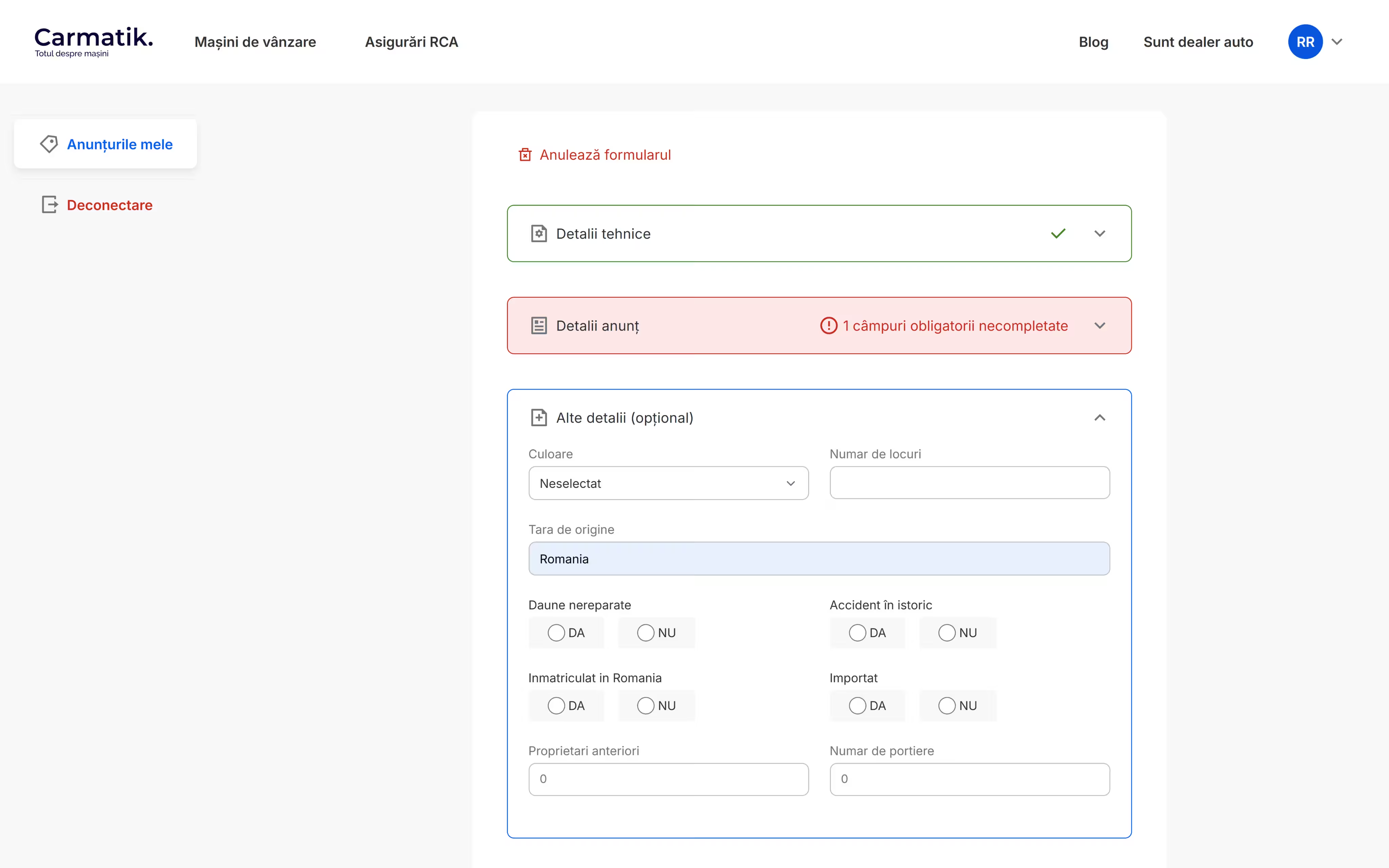
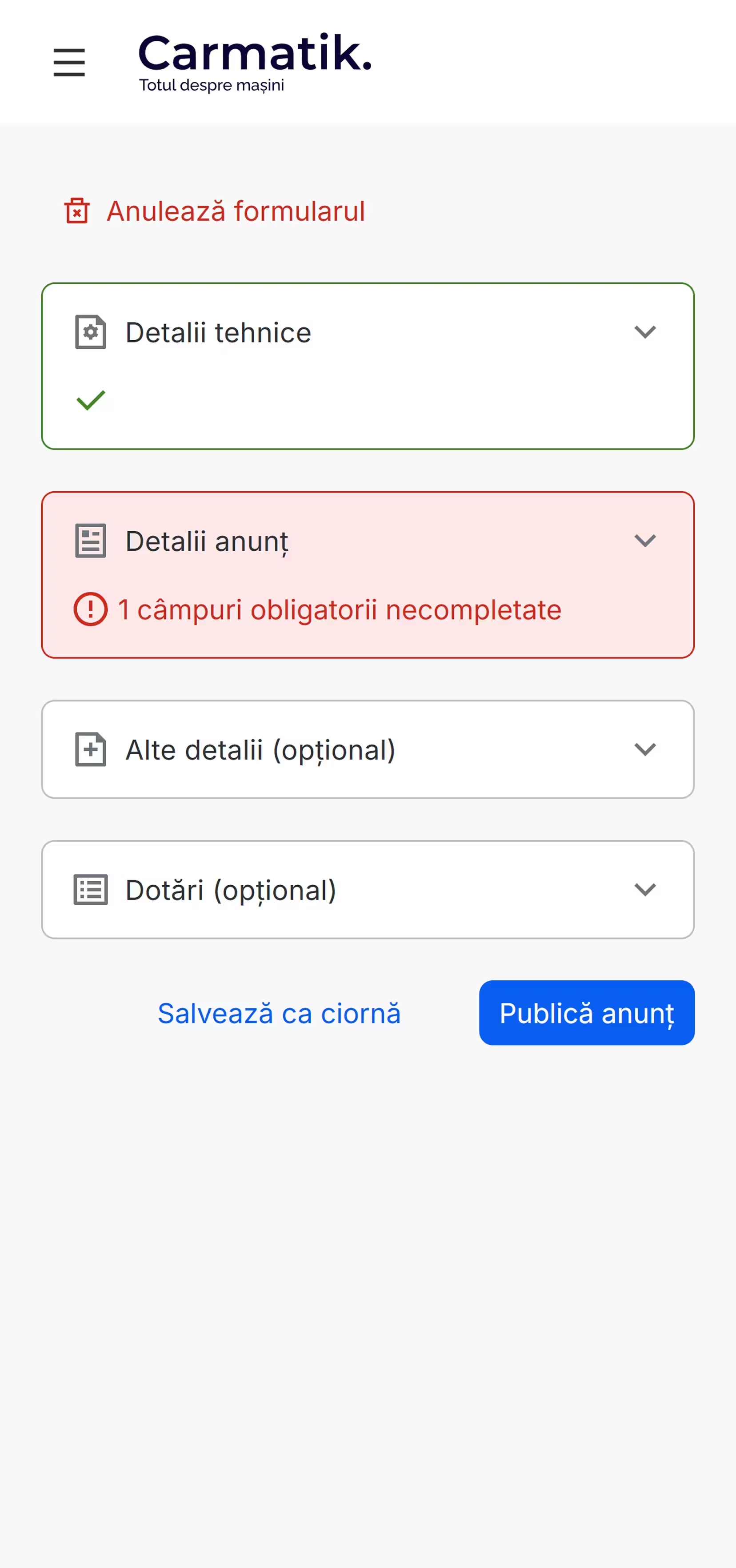
- A long form that reads short. The listing form is one accordion: technical details, listing details, optional extras and equipment. Completed sections get a checkmark, incomplete ones count the required fields still missing.
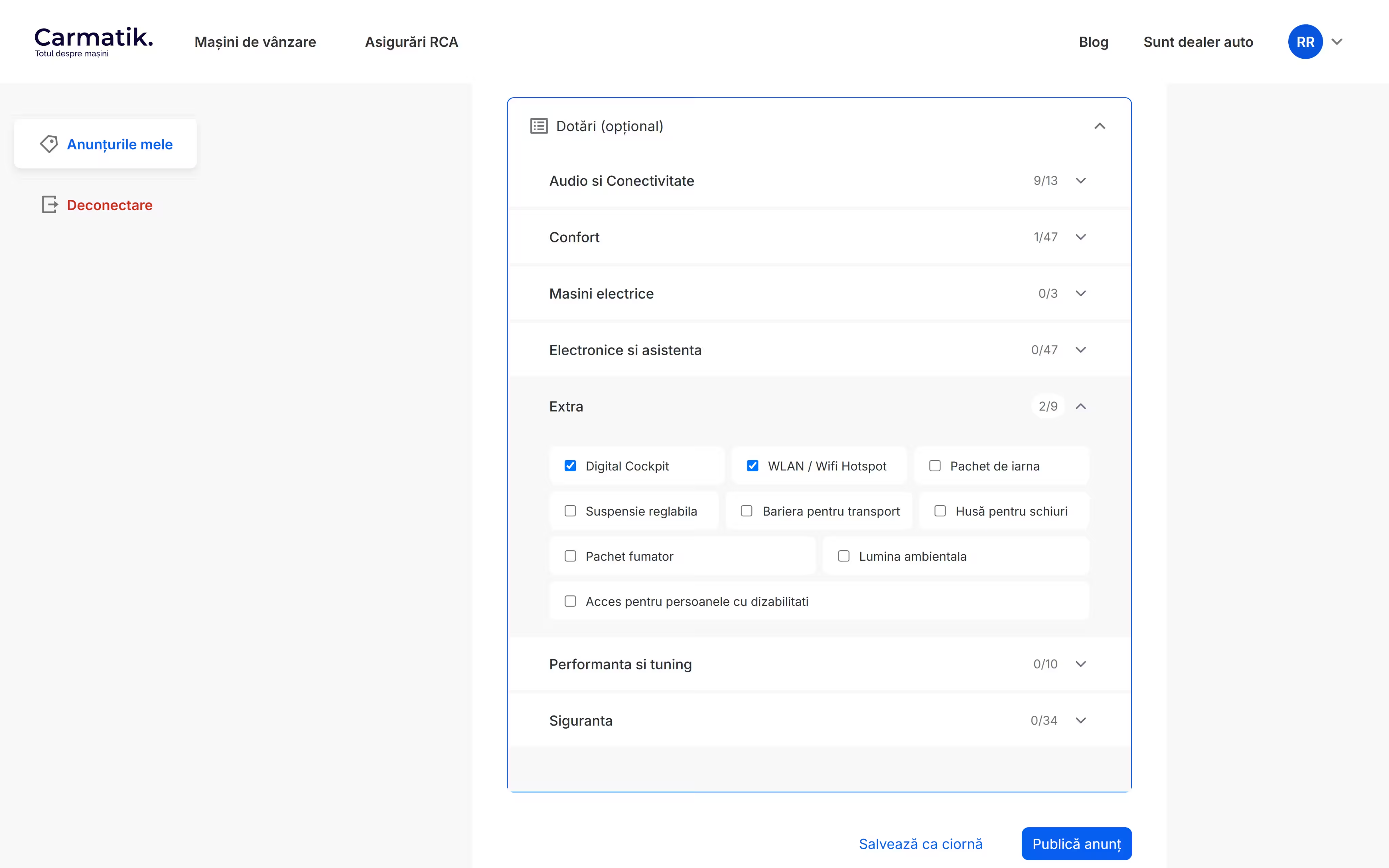
- Equipment at scale. 160+ equipment options would drown a flat checkbox list. They sit in seven collapsible groups (audio, comfort, electric, electronics, extras, performance, safety), each with a live selected counter.
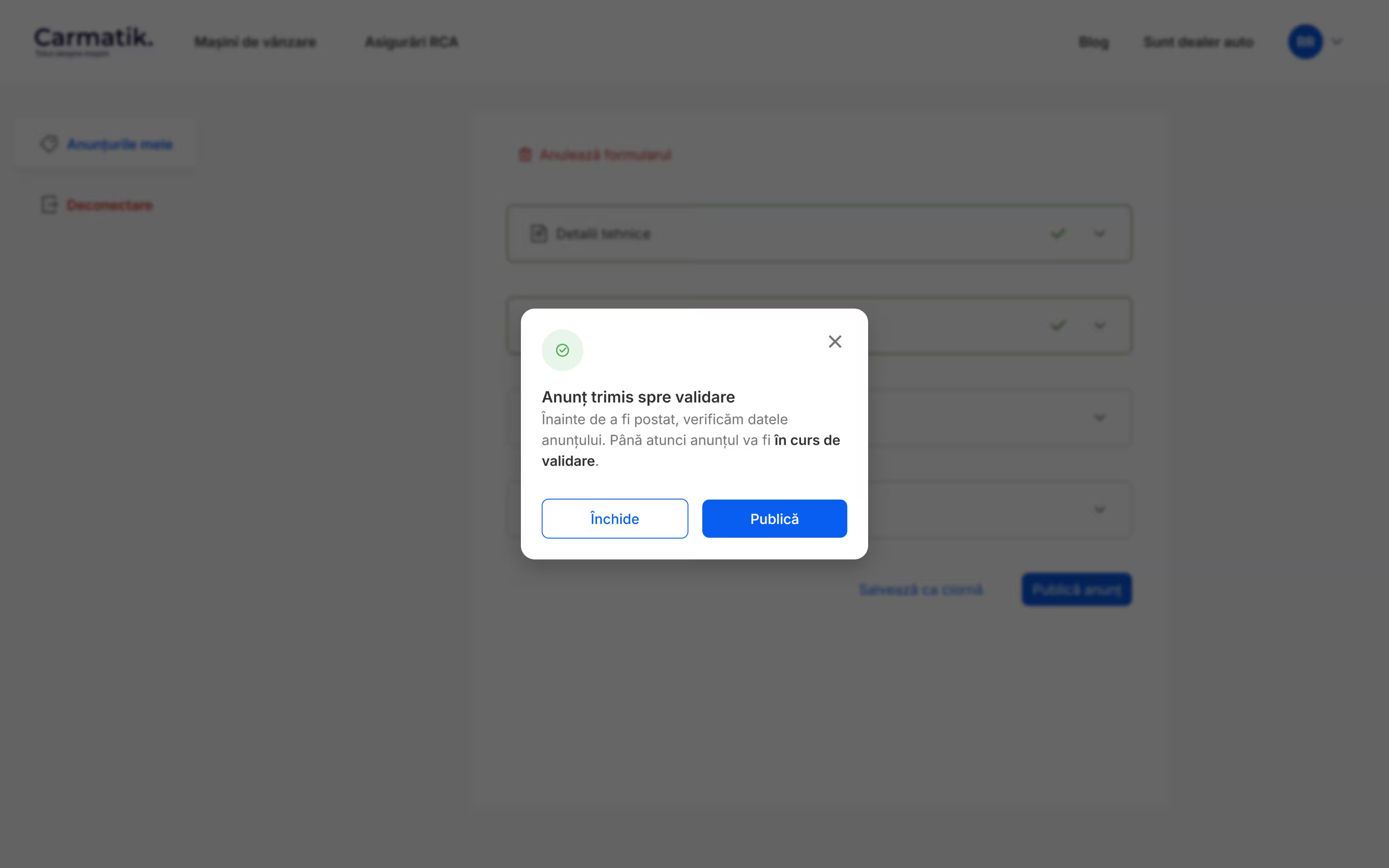
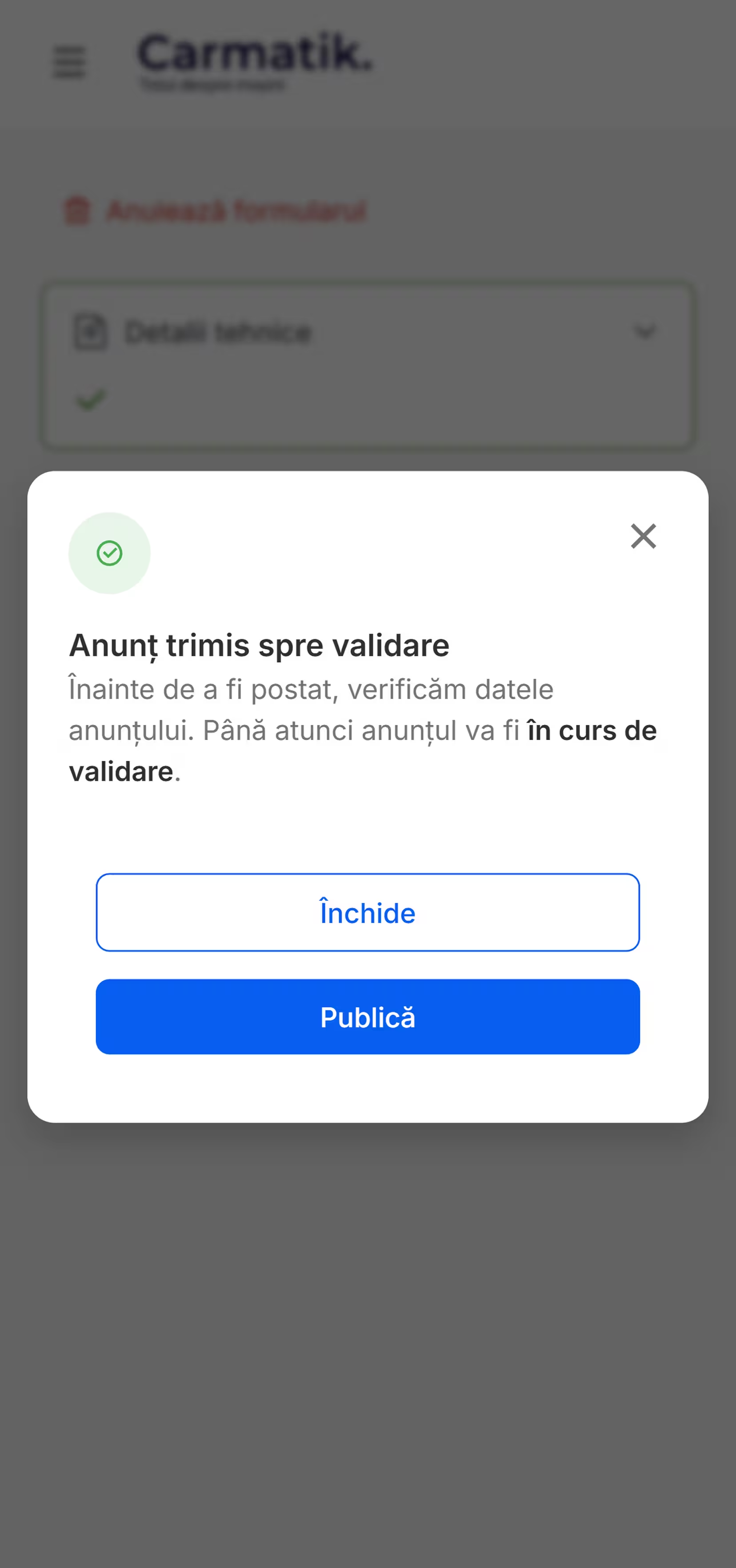
- Quality gate. Nothing goes straight to the platform: a finished listing is sent to validation first, and sellers can park work in progress as a draft and finish later.
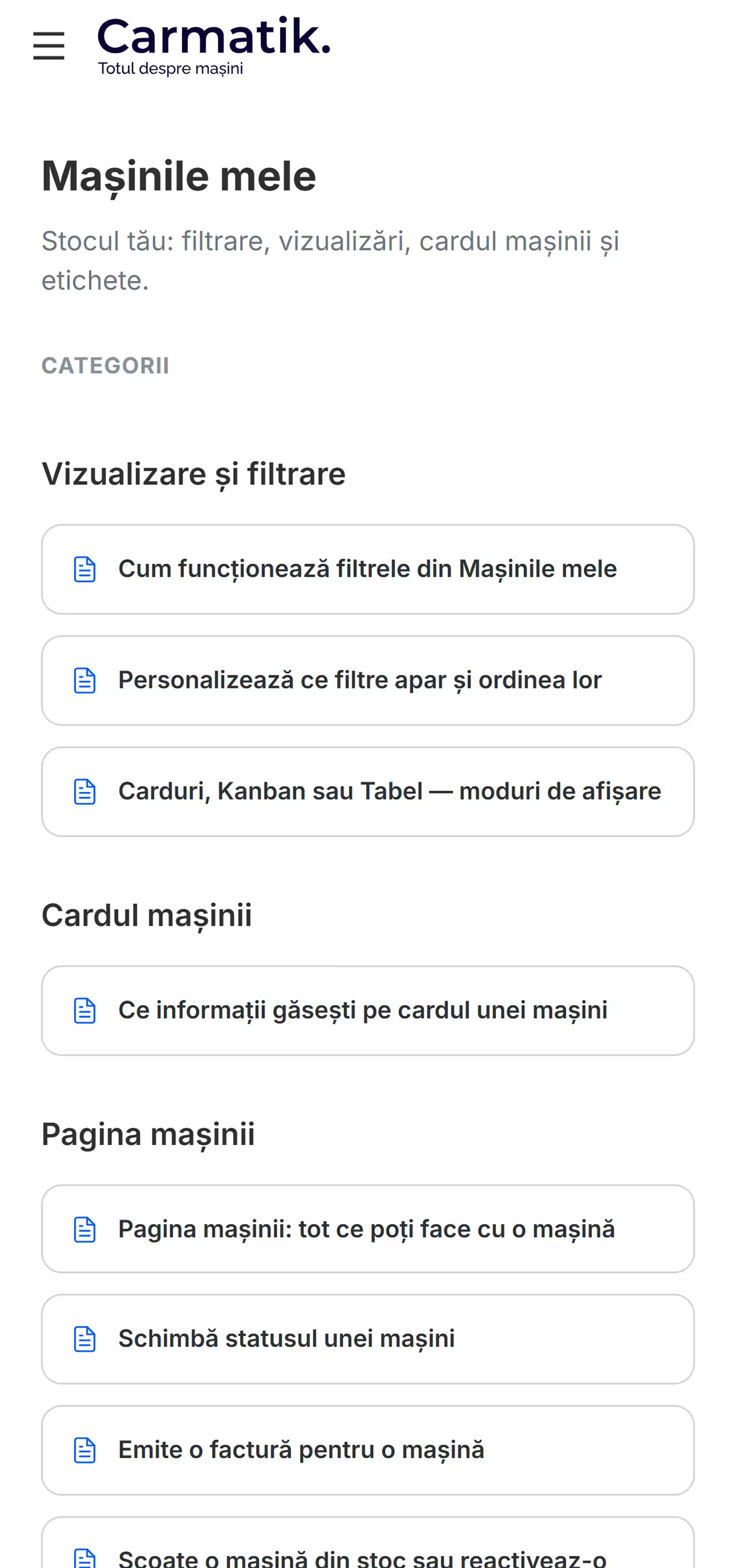
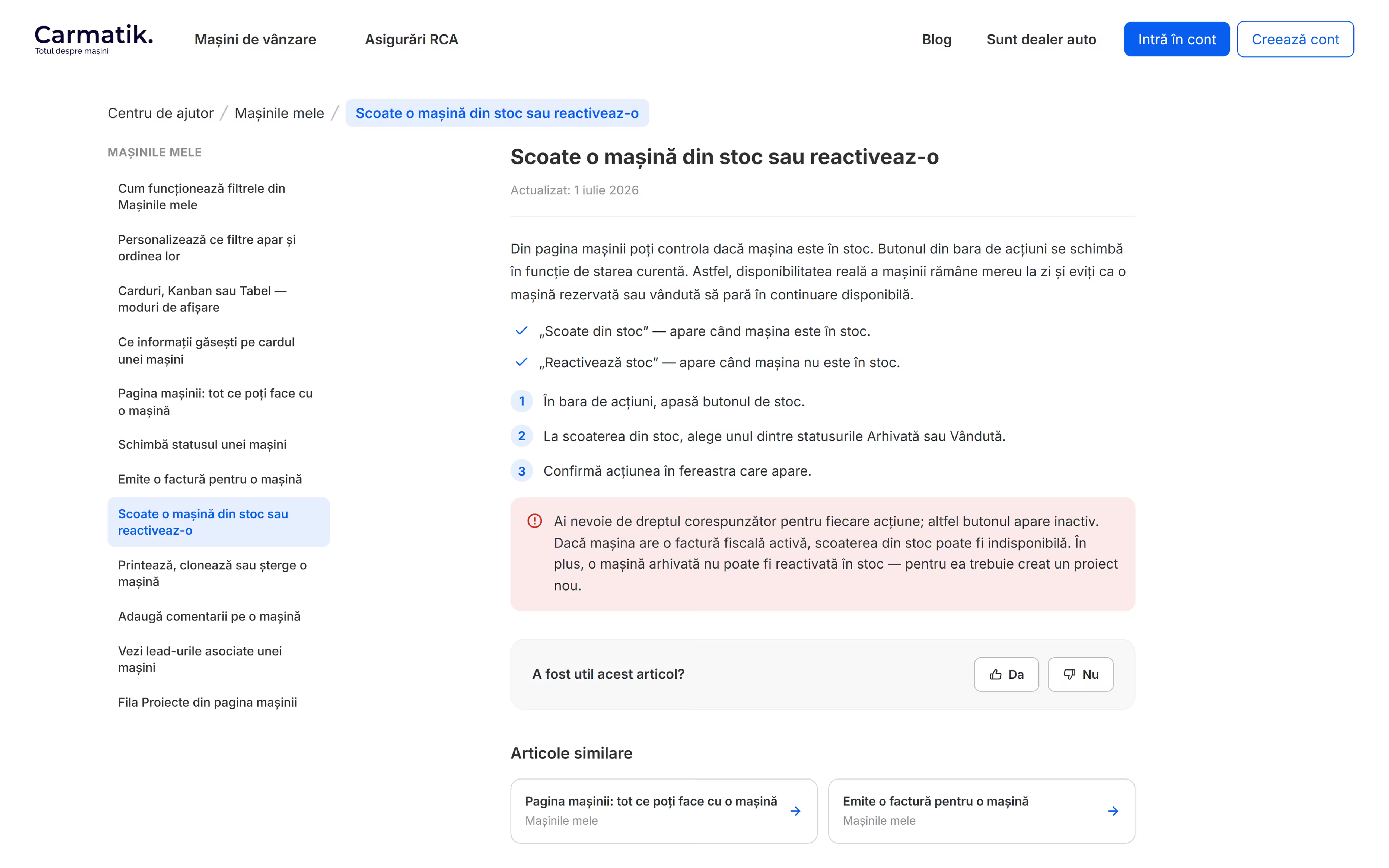
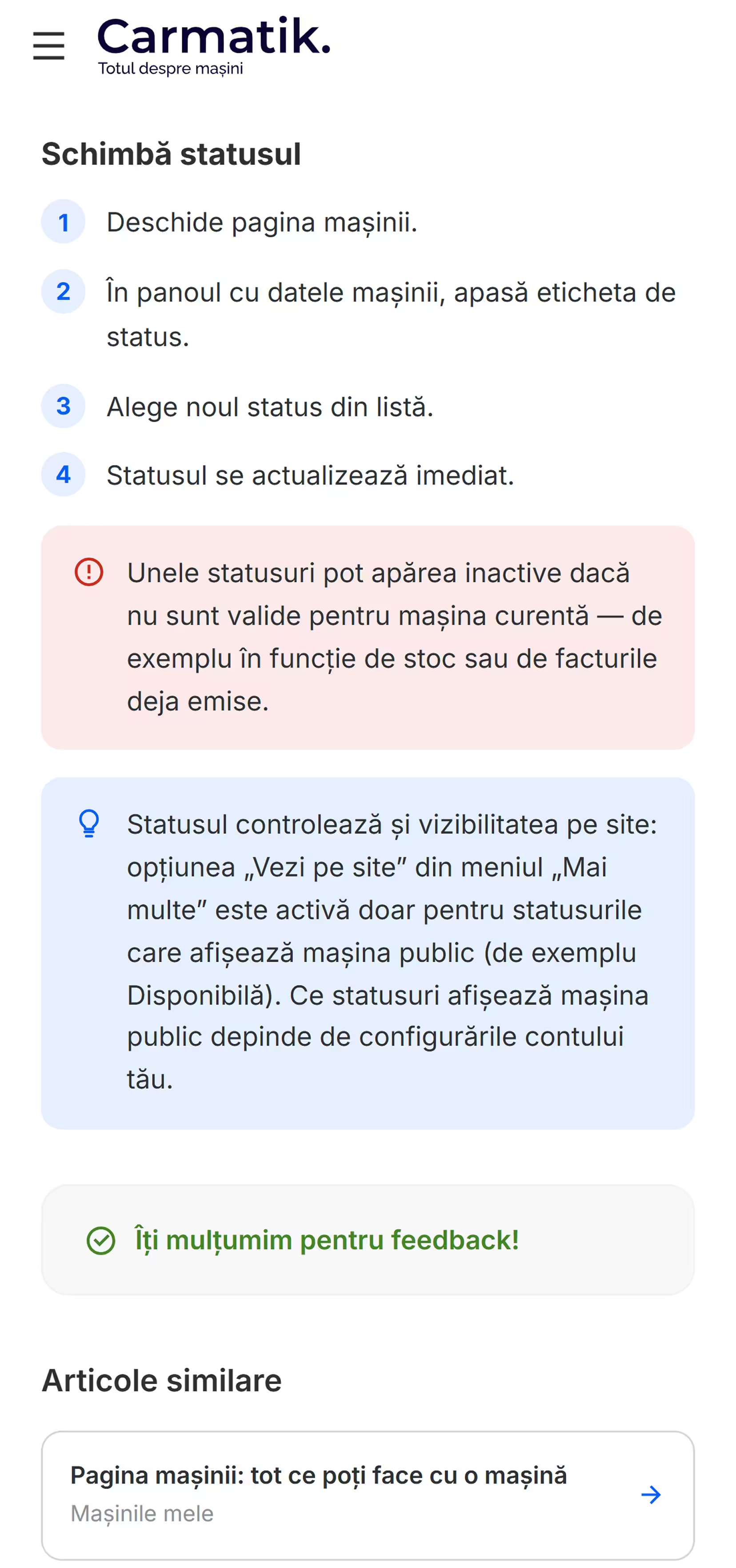
- Dealer self-service. Dealers shouldn't need a phone call to learn the platform: a searchable help center documents it in categories and step-by-step articles.
What I did
I built the front end on both sides of the marketplace: the storefront buyers browse and the account area sellers work in.
- Stock browsing. The stock listing behind 14 filters and sorting, on desktop and mobile.
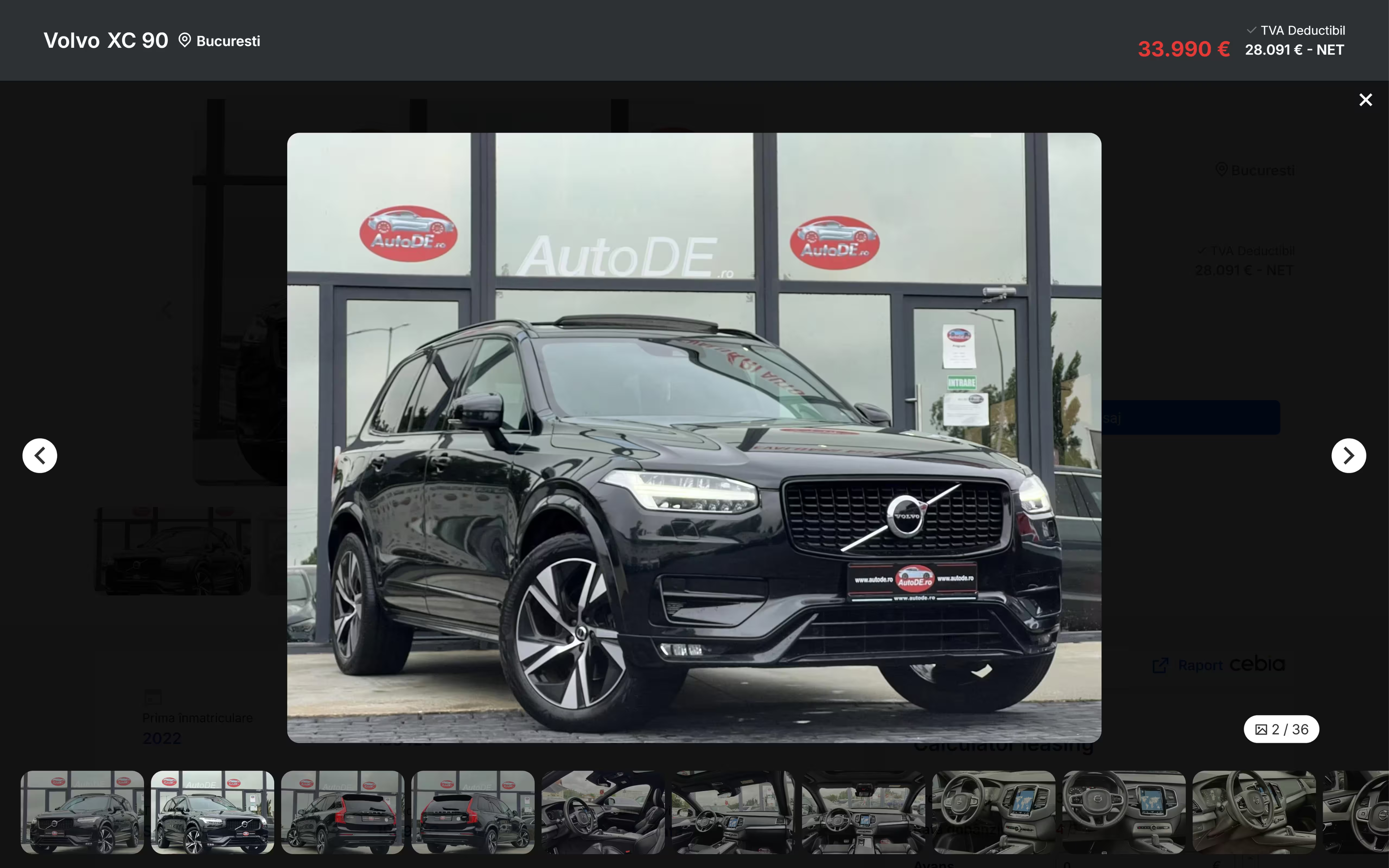
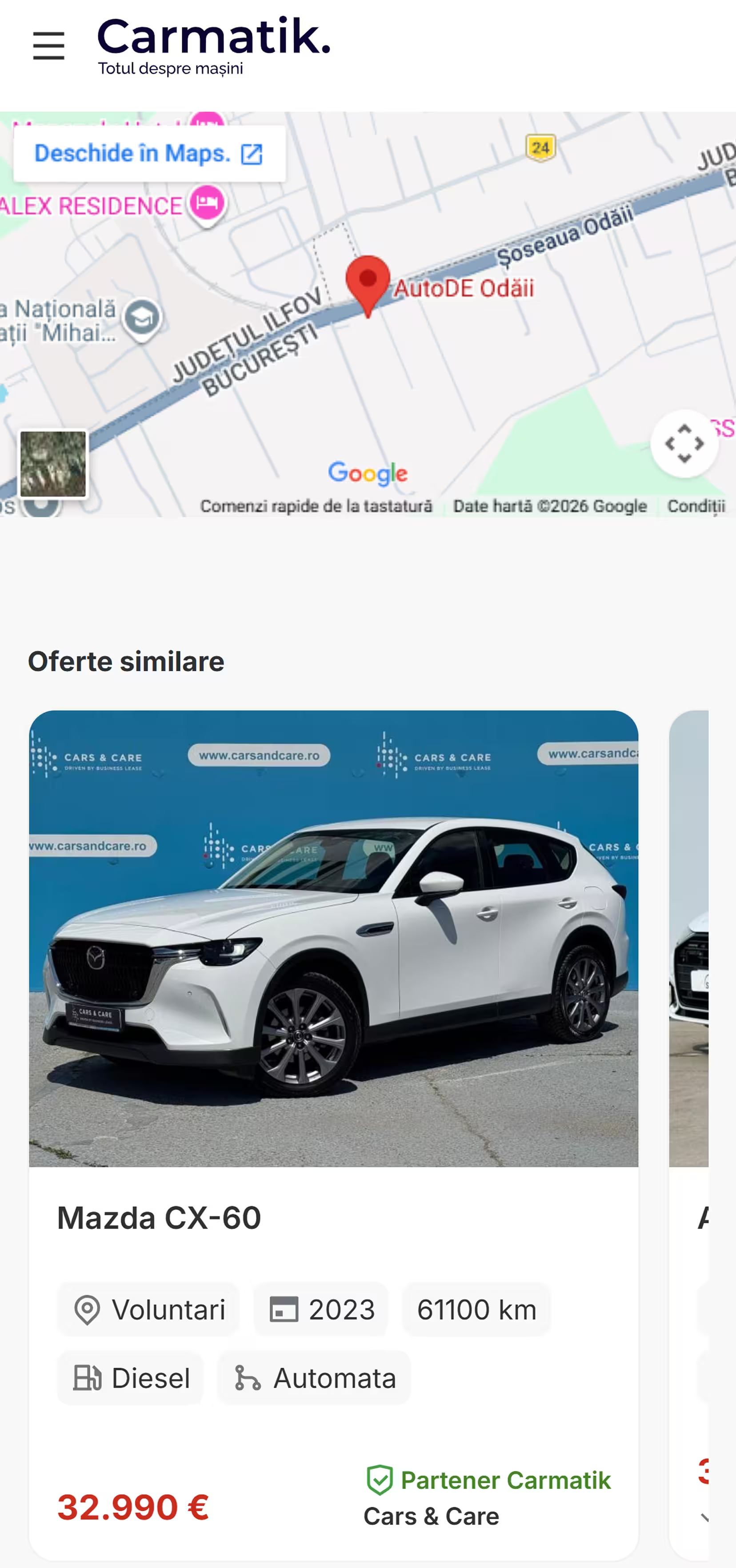
- Vehicle page. The gallery-led vehicle page: a full-screen lightbox, the description and equipment sections, the leasing calculator and similar offers to keep the browsing going.
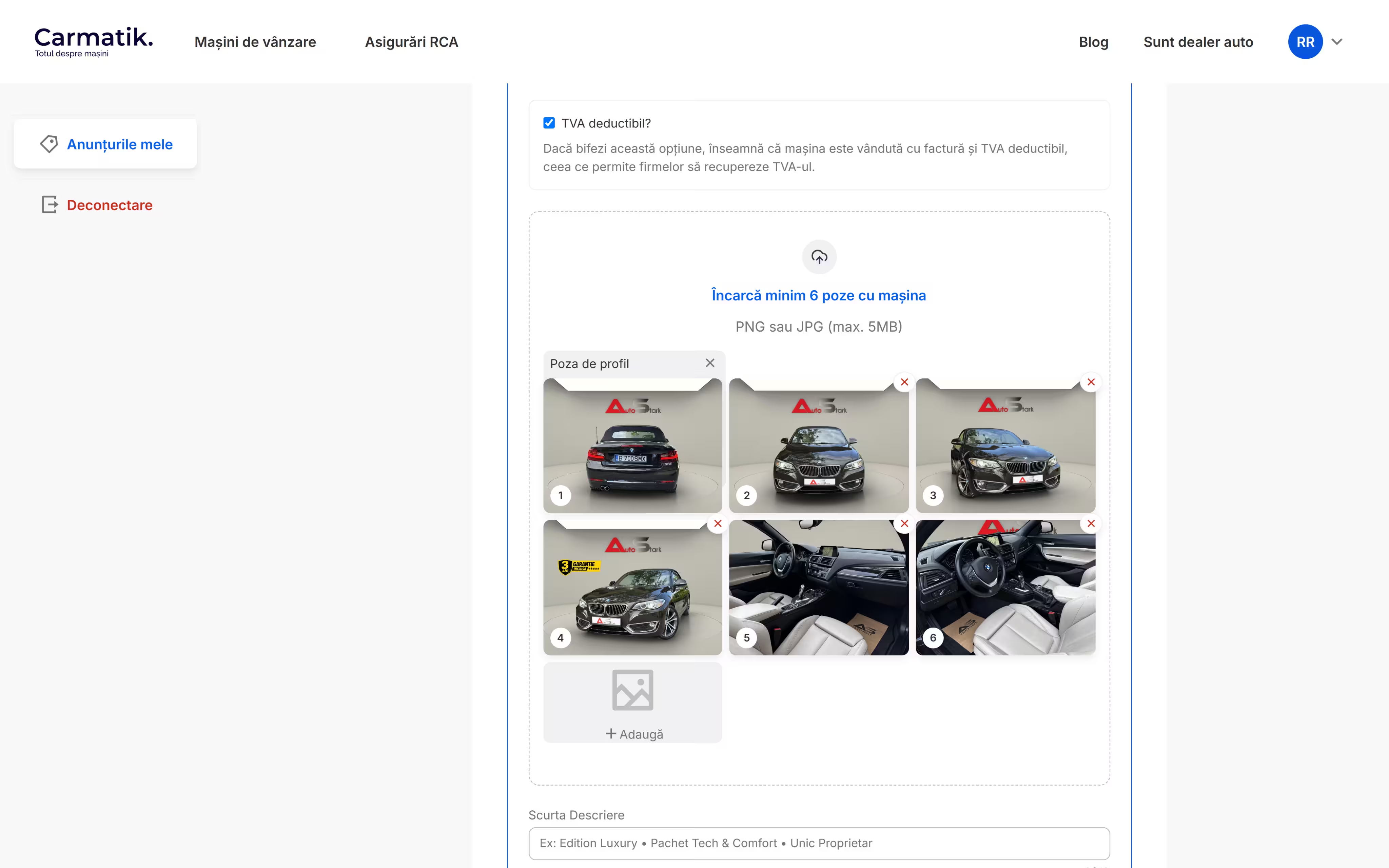
- The listing form. The four-section add-car accordion with per-section completion states, the grouped equipment checklists with live counters, and the photo uploader with drag ordering and a designated profile shot.
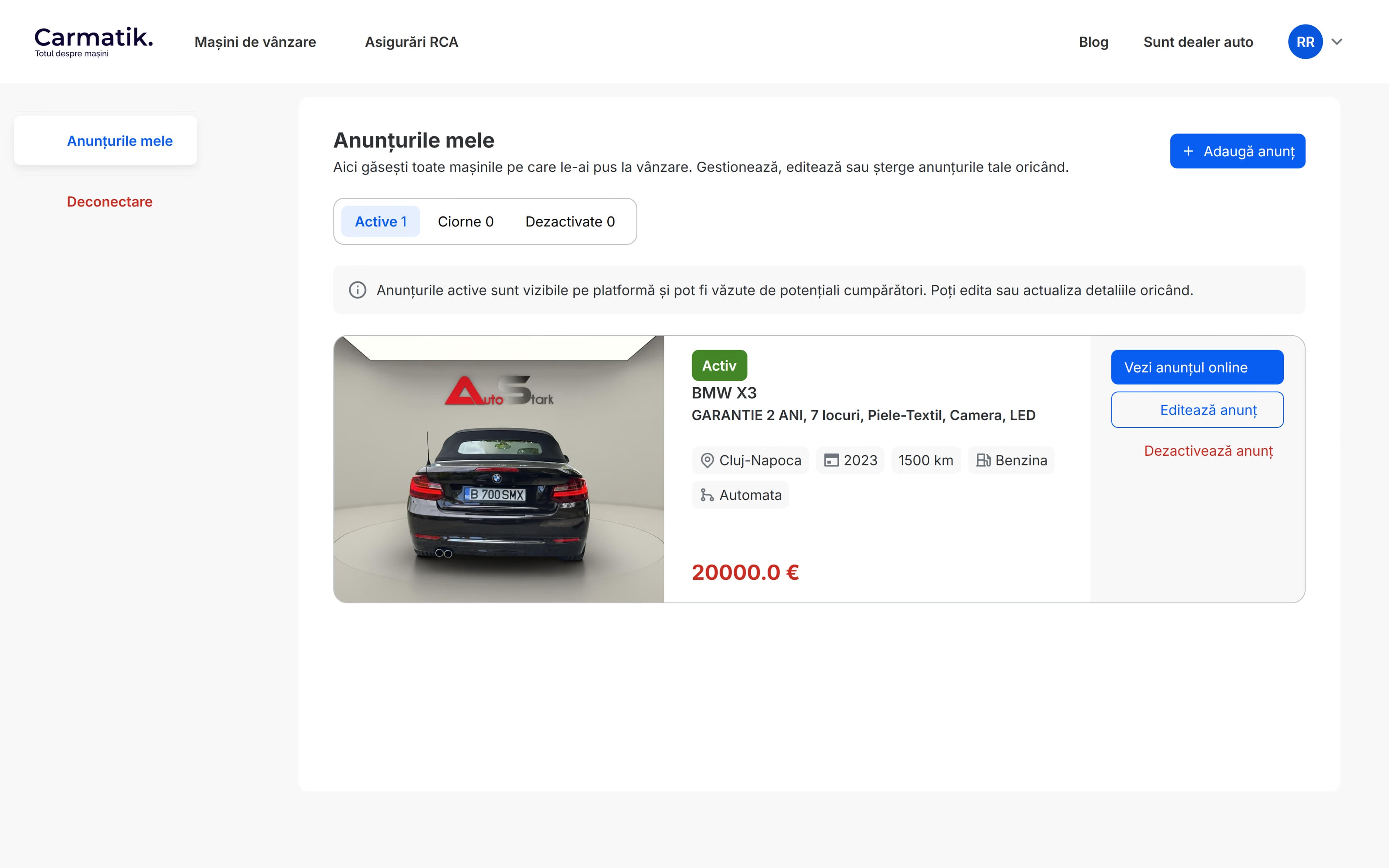
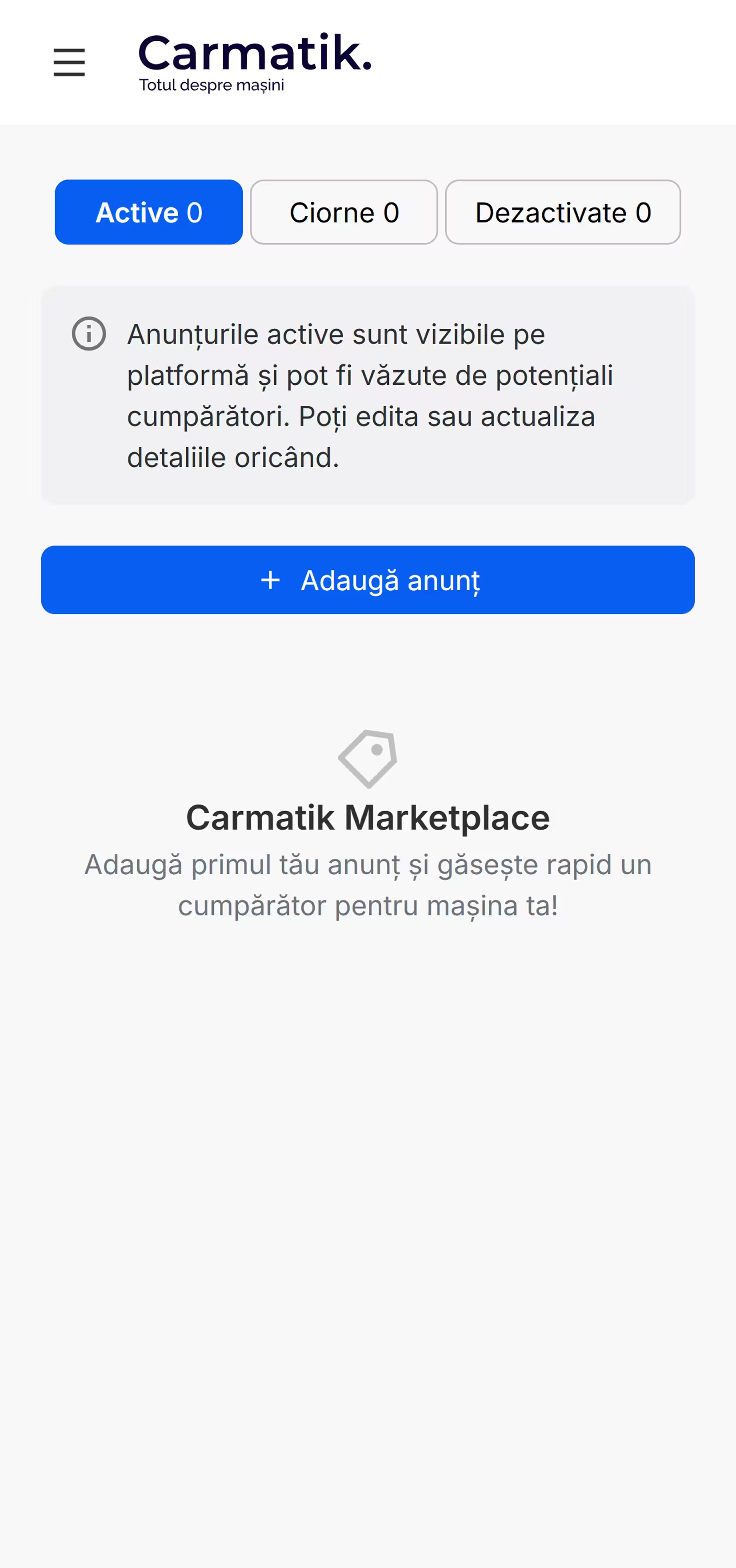
- Account area. Login and registration, the my-listings dashboard with active, draft and deactivated tabs, and the publish, save-as-draft and deactivate modals around it.
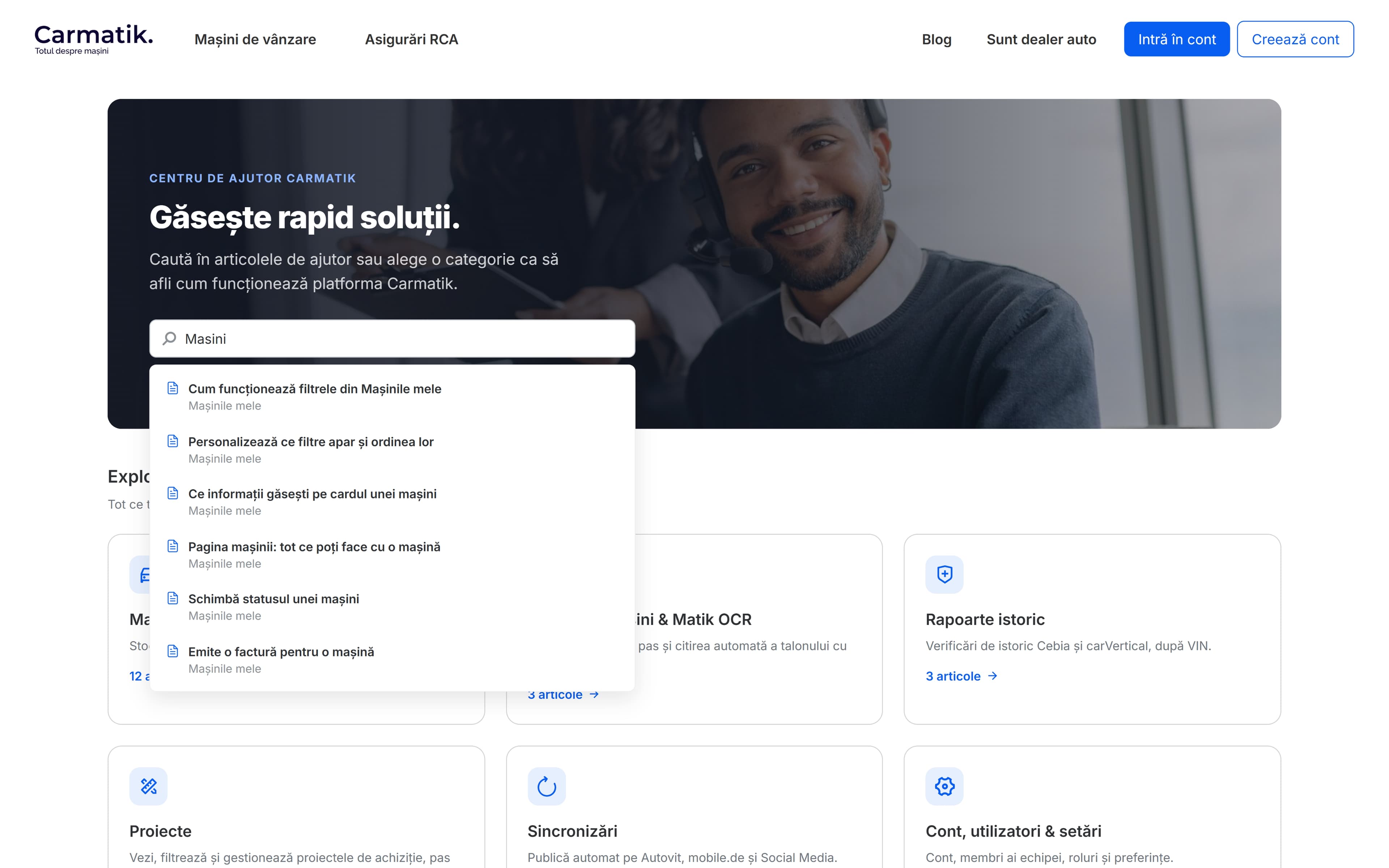
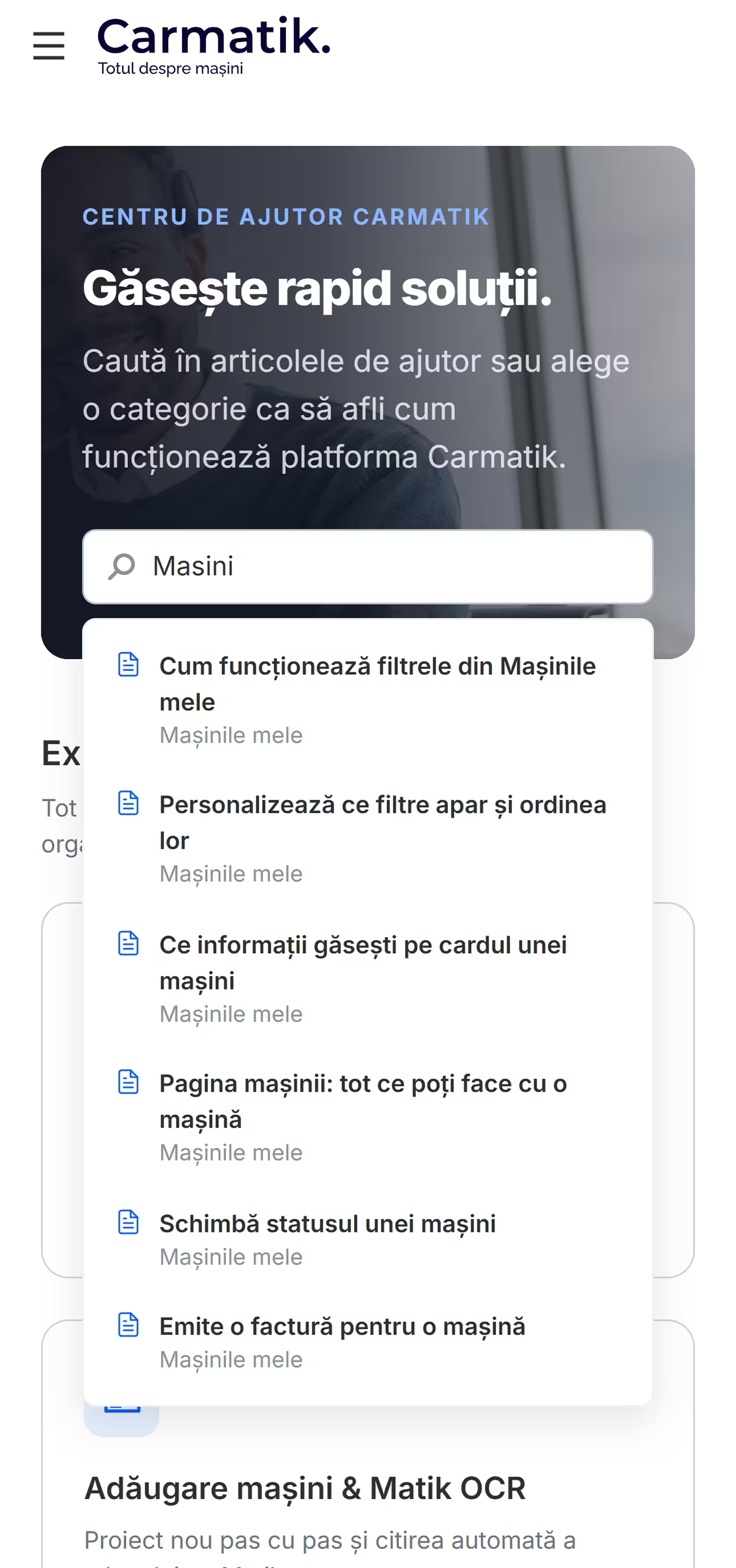
- Help center. All three levels of the dealer help center: the home with as-you-type search suggestions, category pages grouping their articles by task, and article pages with numbered steps, callouts and a was-this-helpful vote.
What it looks like
15 items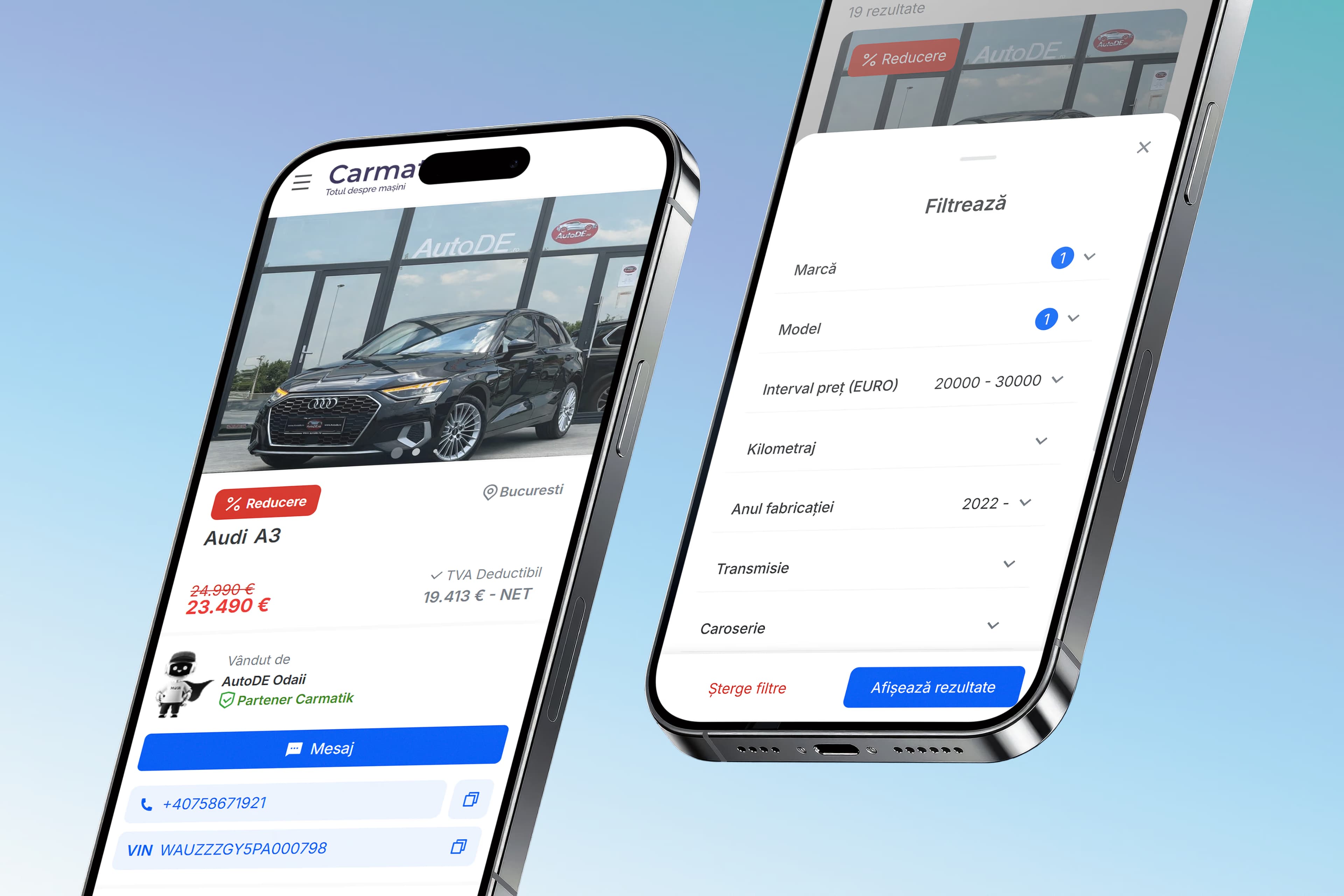
Outcome
A buyer filters the live stock, opens a gallery-led vehicle page and prices the car with the leasing calculator. A seller creates an account, completes one guided form and manages the validated listing from their dashboard. Dealers learn the platform from the searchable help center instead of a phone call.